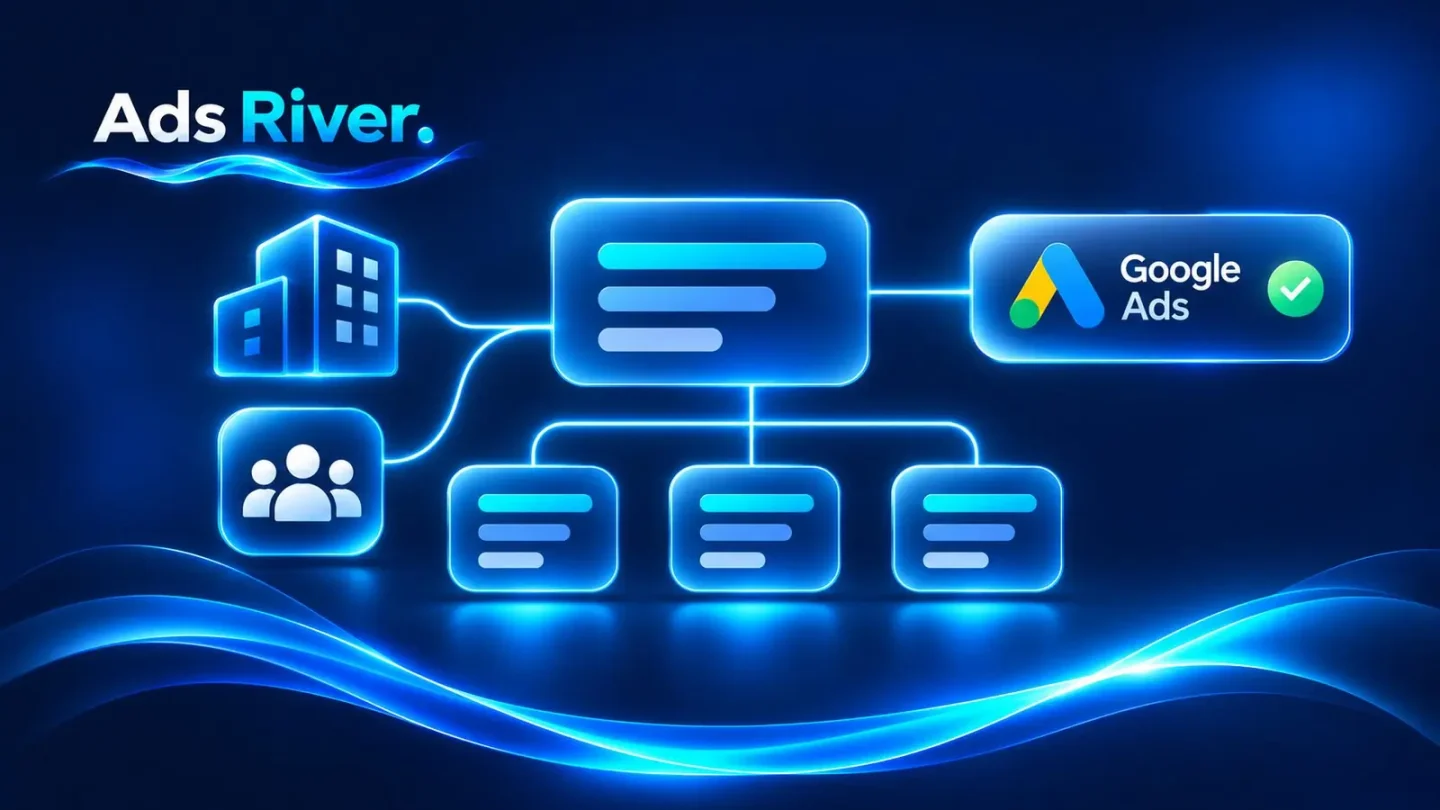
A Google Ads manager account (MCC) is a control panel, not an ad account: it lets you manage many Google Ads accounts from one sign-in, but it doesn’t run ads, pay for them or bring any history with it. An agency ad account is an ordinary Google Ads account that an agency creates under its own MCC and pays for through its own billing, while your team runs the campaigns. The two are often mixed up, and the sharpest difference is in billing: an account on monthly invoicing that is unlinked from the manager account paying for it stops serving ads immediately. Below: what an MCC gives, what it doesn’t, and how the two compare on ownership, billing, verification and suspensions.
Rules below were checked against the Google Ads help center and Google’s advertising policies on November 21, 2026. Each section links to the page it relies on.
MCC vs agency ad account at a glance
An MCC is a tool you open and run yourself, while an agency ad account is opened and paid for on the agency side.
|
Your own manager account (MCC) |
Agency ad account |
| What it is |
A separate account for managing other accounts. It doesn’t serve ads |
A regular Google Ads account under the agency’s MCC, with access for your team |
| Who owns it |
You own the MCC. Linked accounts keep their owners unless they give ownership to it |
The agency’s MCC, which becomes the owner automatically when it creates the account |
| Who pays |
Each linked account keeps its own billing. Monthly invoicing only if your business qualifies |
The agency’s billing setup, often its monthly invoicing |
| Advertiser verification |
An admin of each account completes it for your business |
The agency answers Yes to “Is your organization an agency?” and adds the client’s details |
| History and limits |
Each account keeps its own history. A new MCC with no spend can hold 50 active accounts |
The account builds its own history from day one. Spend limits work as on any account |
| On suspension |
The account stops serving. Related accounts may be suspended too |
The same, and Google can also hold the agency responsible for violations across its clients |
What a manager account is and isn’t
A manager account is a separate Google Ads account whose only job is to manage other accounts, not a higher tier of the one you have. Google’s About manager accounts page says so directly: “A manager account isn’t an “upgrade” of your Google Ads account. Instead, it’s an entirely new Google Ads account you create.”
It gives you one sign-in for all linked accounts, reports across them, creating and linking accounts from one place, access levels for your team and, if your business qualifies, monthly invoicing. It has no campaigns, budget or balance of its own.
You create an MCC from the manager account homepage. Clients see its name in their accounts, and its time zone and currency can’t be changed later. The MCC itself counts toward the limit of 20 Google Ads accounts per email address, and Google points anyone managing more than 20 accounts to a manager account.
The number of accounts depends on spend. Google’s account limits page caps an MCC at 85,000 non-manager accounts, while the number of active ones follows the highest combined monthly spend of its clients over the last 12 months: “If you have no spend at all, your account limit is automatically set at 50.” Over the limit, you keep existing accounts but can’t link or create new ones.
Linking vs ownership: who controls the account
Linking lets an MCC manage campaigns, and ownership gives it control over the account’s users. Linking alone “doesn’t automatically grant administrative ownership”, Google says on its access levels page for manager accounts.
The rules, per Google’s ownership page:
- An account can have only one owner.
- A manager that creates a new account “will automatically become the owner of that account”.
- A manager that links an existing account isn’t the owner until the account’s admin turns ownership on.
An owner MCC can add and remove admins in the client account, while a linked MCC without ownership manages campaigns but can’t add admins. Google recommends making a manager the owner “if and only if the manager account requires these privileges.”
The client keeps three things either way. A linked account “remains unchanged and its account history remains intact”. Admins of the client account can unlink at any time without losing that history. And an MCC can’t change the account’s sign-in details. Unlinking does have side effects: the account loses the manager’s shared remarketing lists, and the manager’s cross-account conversion tag stops recording its new clicks.
Billing: where an MCC and an agency account really differ
An MCC doesn’t pay for anything by itself: linking an account leaves its billing as it was. Google’s linking overview says the client’s “invoicing and payment methods do not change, unless you choose to set up consolidated billing.”
The billing that does need an MCC is monthly invoicing, a credit line from Google with one invoice a month. Google’s requirements “include, but aren’t limited to”:
- a registered business for at least one year;
- an active Google Ads account in good standing for at least 6 months;
- a minimum monthly spend in any 3 of the last 12 months.
Then Google reviews the company’s credit history and, if it approves, offers payment terms and a credit line. Spend on earlier accounts doesn’t help: the account “must meet the minimum spending criteria within the last 12 months on its own”, says the definition page. A new business that opens an MCC today gets the management tool, not the invoicing.
Once invoicing is in place, three rules matter:
- Billing lives in the MCC. For invoiced accounts, “billing information must be stored at the manager account level”.
- One paying manager. An account can have several managers, but only one paying manager controls its billing setup.
- Unlinking stops the ads. “If you unlink an Ads account from its paying manager … the Ads account will stop serving ads immediately as the billing setup will be deactivated.”
Consolidated billing can then put many accounts with the same currency on one invoice, though Google notes it “isn’t available to media agencies”.
What an agency ad account is
An agency ad account is a Google Ads account created and billed under an agency’s manager account, often on the agency’s monthly invoicing, with the client getting access to run campaigns. Google doesn’t use the term. It describes the same setup in parts: a manager account that creates client accounts, owns them and pays for them as the paying manager.
The client gets an account on the agency’s billing, access through Google’s normal access levels, and a separate account per project, which Google requires anyway: “Google requires that you use a separate account for each end-advertiser that you manage.”
What doesn’t change: every ad goes through the same policy review as in any account, a new account starts its own history on day one, and the agency’s MCC controls admins and, on invoicing, billing. If the account runs on the agency’s invoicing, unlinking it stops the ads until billing is arranged elsewhere. How this works with AdsRiver is described on the Google Ads agency account page.
Advertiser verification: who completes it and whose name shows
Verification is completed by an admin of the account, and an organization that manages ads for clients must say it is an agency. Google’s verification tasks page warns: “If you manage ads for a client, make sure that you select Yes for “Is your organization an agency?” for the ad disclosure. Otherwise, your account may be paused or suspended.”
Agencies then provide two sets of details: their own (D-U-N-S number, documents or phone confirmation) and the client’s. For the second part, the agency sends the client a link with the task or completes it for the client, choosing the client’s payments profile. If that profile hasn’t passed verification, the client goes through its own.
This choice “won’t affect the Google Ads account billing setup or give new access to the Google Ads account”. It decides whose name people see: disclosures and the Ads Transparency Center show the advertiser’s name and location, plus “Ads funded by” when the paying name differs, and for agency accounts that is the client’s payments profile, not the agency’s.
Agencies on monthly invoicing can complete verification in bulk at the MCC level. Shortcuts are costly: false information in verification is a Circumventing systems violation, and Google’s third-party policy names “verifying your customer’s account as your own” as misrepresenting identity.
Suspensions: does one account put the others at risk?
It can: Google says accounts related to a suspended account may be suspended too, though it doesn’t say this happens automatically to everything under an MCC. The suspensions overview states: “Accounts related to the suspended account may be suspended.” Before appealing, all “linked (or previously linked) and all related accounts” must comply with Google’s policies.
The Circumventing systems policy treats the usual workarounds as violations: new accounts after a suspension, policy-violating ads spread across several accounts, and several accounts used to promote products or services “for which you lack the necessary Google Ads certifications”.
Agencies carry an extra layer. The third-party policy makes them responsible for “ensuring that their clients and managed accounts adhere to all Google Ads policies”, and a sustained high share of suspended client accounts is a violation in itself. Google’s enforcement page lists the result: loss of privileges such as billing on credit terms and account creation, and in repeated or especially serious cases, permanent suspension of “advertising accounts and manager accounts”.
So the agency’s screening of other clients matters to you too. Google’s own advice after a suspension is short: “Check with your agency.”
What an MCC doesn’t give you
An MCC organizes accounts, but it doesn’t change what Google allows any single account to do:
- No history. History belongs to each account. A new account under an MCC starts from zero.
- No higher spend limits. Google doesn’t say that linking to an MCC raises an account’s payment threshold, credit line or budgets. On postpay, the payment threshold belongs to the account and rises as that account’s own costs reach it.
- No certification. Google doesn’t say an MCC passes certifications to client accounts. Its June 2026 rules for one restricted category state that agencies “will also need to obtain verification for in-scope advertiser accounts”.
- No exemption from agency rules. Google’s transparency requirements still apply: cost reports without your fees mixed in, disclosed management fees, the customer ID on request and, for agencies where 80% or more of clients have small monthly budgets, a link to Google’s Advertiser guide: Working with third parties on the agency’s site.
Which one do you need?
Use your own MCC when each account can be paid for on its own, and an agency ad account when billing has to sit on the agency side.
- Your own MCC: your own accounts, or client accounts that clients pay for. One login, shared reports, billing per account.
- Your own MCC with monthly invoicing: a business that meets Google’s criteria and wants one credit line and consolidated invoices.
- Agency ad account: accounts billed on the agency side now, without your own invoicing, with the agency’s MCC as owner.
Checklist before you link an account or take an agency one
- Check who owns the account: Admin, Access and security, the Managers tab and its “Owner” column.
- Keep at least one admin from your own team in every account your business depends on.
- Find the paying manager under Billing, then Settings, before you unlink anything.
- On invoicing, move the billing setup to the new paying manager first, then unlink.
- Make sure the agency answered Yes to “Is your organization an agency?” and that the disclosure shows the right business name.
- Keep one advertiser per account.
- Ask for your customer ID and for reports that show Google’s charges apart from the agency fee.
- Set up your own conversion tags and audience lists, since shared ones stop working after unlinking.
FAQ
Is a manager account the same as an agency ad account?
No. An MCC is a tool for managing accounts and doesn’t run ads or pay for them. An agency ad account is a regular Google Ads account under an agency’s MCC, billed through the agency.
Will creating an MCC give me monthly invoicing?
No. Invoicing requires an MCC, but eligibility is separate: a business registered for a year, an account in good standing for 6 months, a minimum monthly spend in 3 of the last 12 months and a credit review.
If one account under an MCC is suspended, are the others at risk?
They can be. Google says related accounts “may be suspended”, and repeated violations across an agency’s clients can lead to suspension of its manager accounts. Google doesn’t say one suspension spreads automatically to every account.
Can I move my account away from an agency’s MCC?
Yes, if you have admin access: admins can unlink at any time, and the account keeps its history. If it runs on the agency’s monthly invoicing, it stops serving once unlinked, so agree on new billing with the agency first.
Not sure which setup fits your accounts?
Message our Telegram bot with the number of accounts you run, who pays for them now and whether you already have an MCC. The manager will look at your setup against Google’s rules and reply with what an agency ad account would change for you and what it wouldn’t.